Exam setup
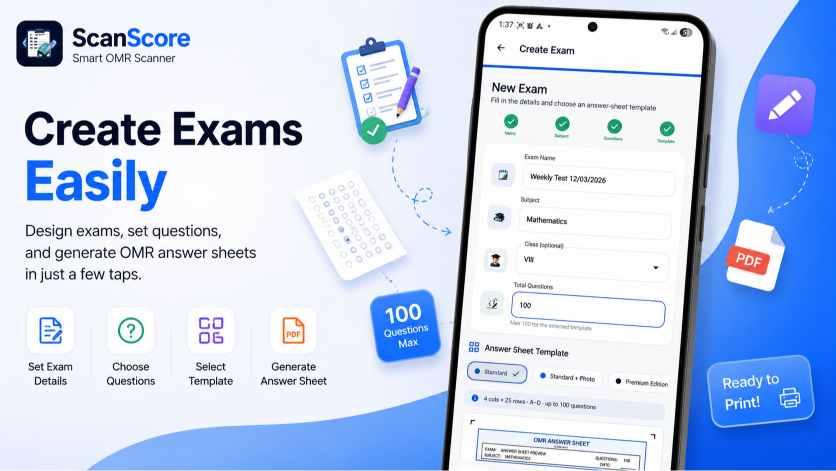
Subject, marks, questions
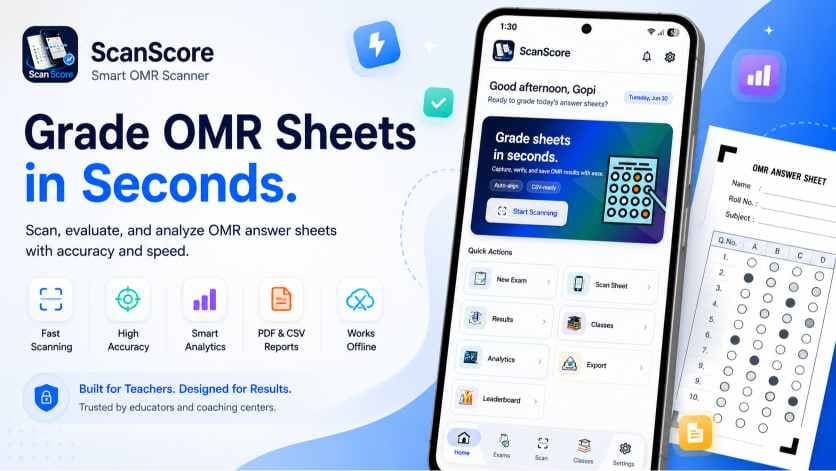
Create MCQ exams, print A4 OMR sheets, batch scan with Android, and get instant results without buying an OMR machine.
Subject, marks, questions
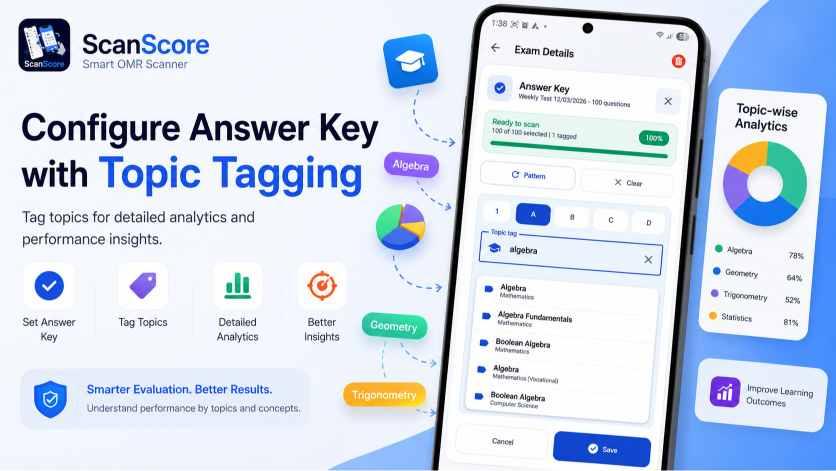
A/B/C/D with topic tags
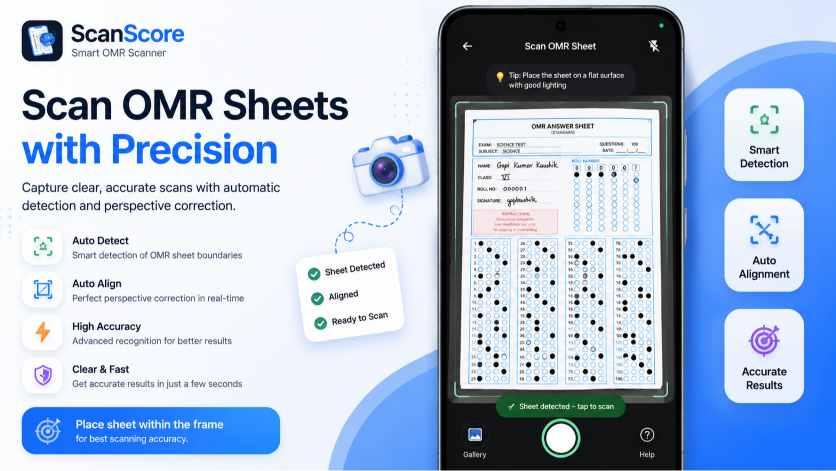
Continuous camera flow
Printable marked sheets
Topic analytics
PDF and CSV records
ScanScore is shaped around the ordinary exam day: prepare, print, distribute, scan, discuss, and keep a record.
Frequent MCQ practice without evening-long checking.
Fast internal assessments without OMR machines.
Quick batch results before doubt class starts.
Set subject, marks, questions, and answer key in a guided flow.
Add topic tags to each answer so revision gaps are visible.
Generate A4 sheets with roll bubbles and scan markers.
Batch mode keeps the camera ready for the next copy.
The guide aligns the sheet, reads bubbles, and grades fast.
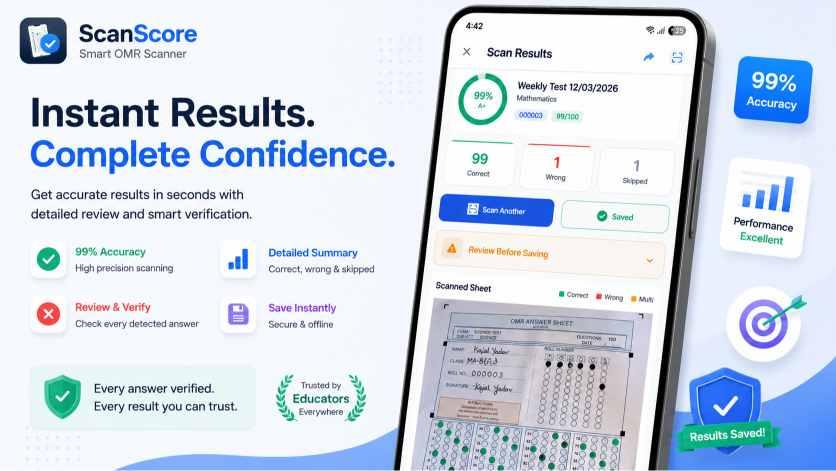
Each scan gives score, percentage, grade, and answer review.
Spot difficult questions and topics that need revision.
Save summaries, CSV files, and PDF reports without extra work.
The app follows the way teachers already work, only the repetitive checking part gets compressed.
Add subject, marks, questions, answer key, and choose a saved template when you run the same pattern for another batch.
Print the template on any A4 printer. Students fill in the bubbles and their roll number using a pen or pencil.
Open the exam, tap Scan, and hold your phone over each sheet. ScanScore reads and grades it in 4 seconds — automatically.
Scores, class analytics, and per-question insights appear immediately, so the next lecture can target the exact weak spots.
Beyond scanning paper sheets, ScanScore now lets schools create computer-based tests students take right in the browser — with the kind of exam security you would expect from a dedicated CBT platform.
Fullscreen enforcement, tab-switch detection, and blocked copy/paste and right-click. Too many violations auto-submit the test.
Every student gets a unique, single-use link. The timer runs on the server, so closing the tab never buys extra time.
Single-choice, multiple-answer, true/false and numeric questions grade the moment a student submits — with optional negative marking.
Teachers see per-question analytics and a full proctoring timeline. Parents and students see results next to their OMR scores.
Accuracy, privacy, OMR templates, devices, and classroom use, answered without jargon.
ScanScore is designed for high-confidence bubble detection using printed markers, perspective correction, and scan quality checks. Good lighting and the generated OMR template give the best results.
When checking becomes fast, practice tests stop feeling like extra punishment. Download ScanScore, create a test, print the OMR sheet, and scan the first batch today.
Get it onGoogle Play