Use this guide with a free ScanScore resource
- Class result analysis spreadsheet — A formula-ready workbook for marks, ranks, class averages and pass rates.
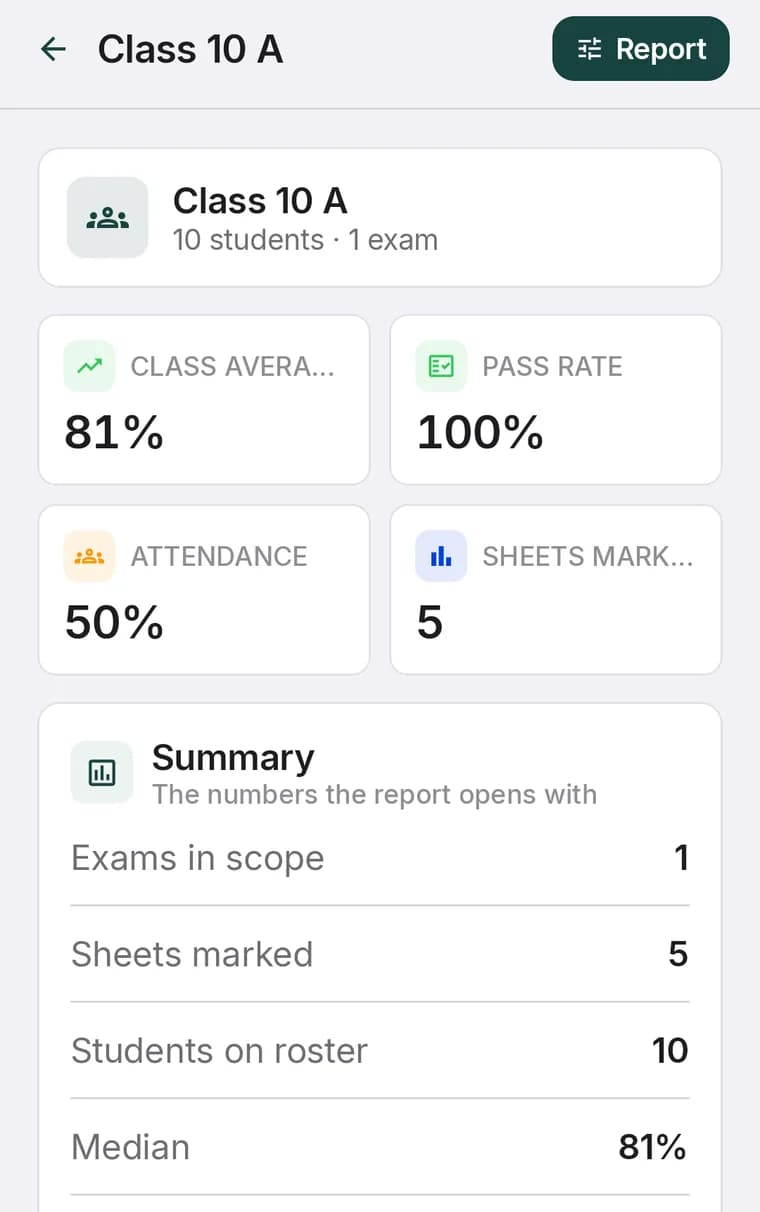
Raw test scores only tell part of the story. School assessment analytics software transforms raw MCQ marks into actionable pedagogical data, enabling principals, department heads, and teachers to pinpoint learning gaps before end-of-term exams arrive.
By aggregating data across multiple classes and subjects, educational leaders can track curriculum effectiveness, evaluate teaching strategies, and support struggling students early. For class-level workflows, see our class result analysis guide.
Essential analytics every school should track
Item Discrimination & Difficulty
Identify which questions were too easy, which were too hard, and which effectively differentiated high-performing students from struggling ones.
Topic Weakness Breakdown
Tag questions by sub-topic (e.g., Quadratic Equations or Newton’s Laws) to pinpoint exact concepts requiring classroom re-teaching. See how to set this up in our subject-wise result analysis guide.
Section-by-Section Distribution
Compare mean scores, score variances, and pass rates across different school sections taught by different instructors.
Longitudinal Student Growth
Track individual student score trajectories over weeks and months to measure improvement and intervention outcomes.
Turning data into classroom action
Effective exam analytics lead to concrete pedagogical improvements:
- Targeted Remediation: Group students by shared topic deficiencies for focused review sessions.
- Curriculum Refinement: Adjust pacing guides if an entire cohort struggles with specific syllabus units.
- Transparent Parent Communication: Share detailed student performance reports with parents directly via WhatsApp or student portals, as explained in our top OMR scanner features overview.
Keep reading: Class result analysis template · Student data privacy and OMR apps